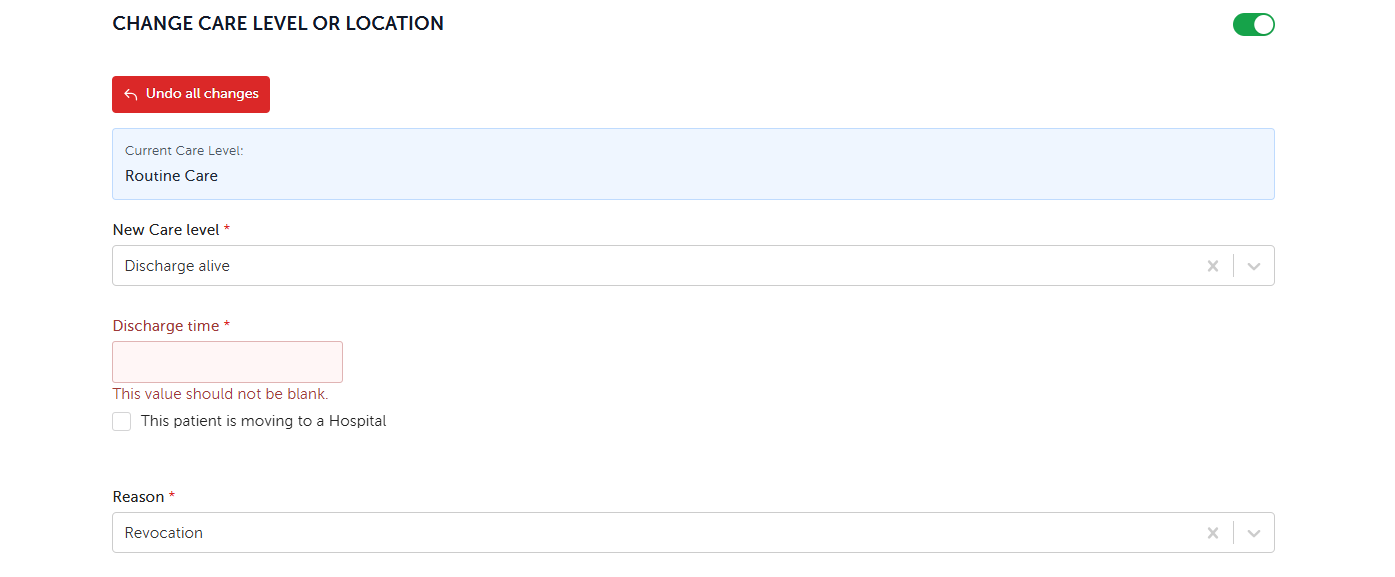
A Revocation is done via a Physician Order.
- Go to the Patient Dashboard
- Click Care Management menu > Create New Documentation > Physician Order
- Discharge Alive: Revocation is located under the Change Care Level or Location section at the bottom of the form. Select New Care Level: Discharge alive, then select Reason: Revocation